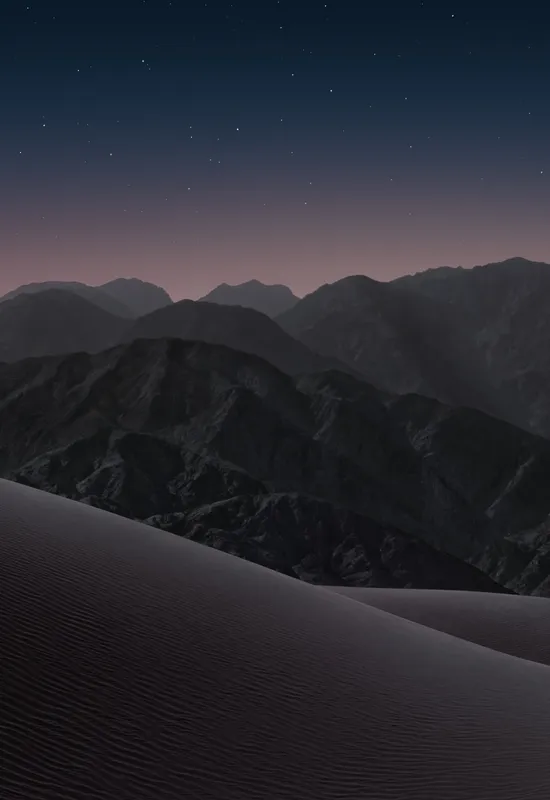
iPhone Duo Dark
2026/09/01 · JPG
COVER & INNER · DUAL-SCREEN WALLPAPER PREVIEWS
Download free iPhone Duo wallpapers for cover and inner displays. Choose light or dark, save a PNG or the ZIP, and start without signing up.
2026/09/01 · JPG
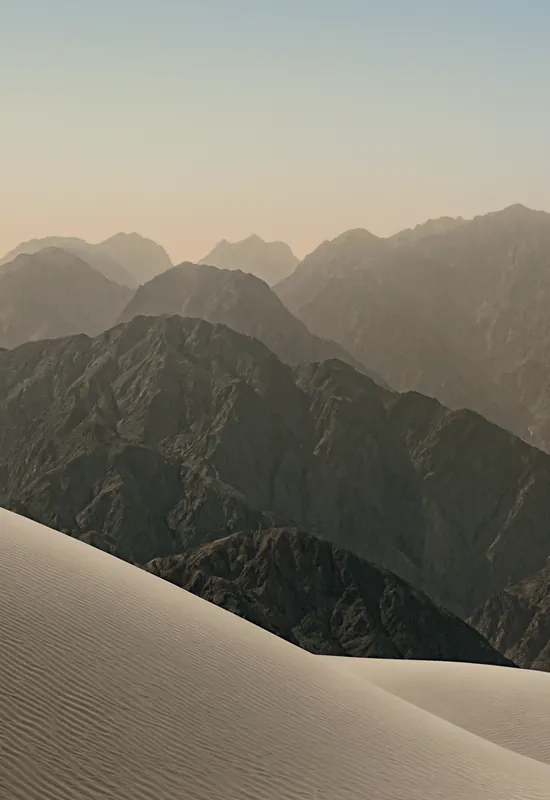
2026/09/01 · PNG
Display specifications & export sizes
Hardware specifications from Apple's technical specifications and product overview. Reviewed September 9, 2026.
Apple lists 7.58-inch inner and 5.36-inch outer diagonals when measured as standard rectangles; rounded corners reduce the actual viewable area. Both screens support Dynamic Island, Always-On display, and ProMotion up to 120Hz. Dynamic Island is a display feature, not a specification for a camera cutout.
| Specification | Cover Display (Closed) | Inner Folding Display (Unfolded) |
|---|---|---|
| Diagonal Screen Size | 5.4-inch (diagonal) all-screen OLED | 7.6-inch (diagonal) all-screen OLED folding display |
| Native Pixel Resolution | 1398 × 2034 pixels | 2670 × 1878 pixels (landscape) / 1878 × 2670 (portrait) |
| Pixel Density (PPI) | 460 ppi | 430 ppi |
| Aspect Ratio | ≈ 1 : 1.455 (width : height) | ≈ 1.422 : 1 (landscape width : height) |
| Glass / Surface Finish | Ceramic Shield 2 front cover | Nano-texture anti-reflective matte finish |
| Front Camera | 12MP Center Stage camera | Under-display FaceTime camera |
| Wallpaper Export Sizes | 1398 × 2034 px (center crop) | 2670 × 1878 px; optional 2670 × 2670 square crop |
01
Pick the Light or Dark iPhone Duo wallpaper. Each one includes a Cover image and an Inner image.
02
Open a wallpaper to save its Cover (portrait) and Inner (landscape) originals. Previews are WebP; downloads are the original PNG or JPG.
03
Move the files into Photos. If you downloaded the ZIP, extract it in Files first, then save each image.
04
Open Settings → Wallpaper and set the matching image on each display. Light and Dark do not switch on their own unless you assign them to Light and Dark appearance.
We currently publish four original wallpapers: a light and a dark version for the cover display, and a light and a dark version for the inner display. All four are packaged together in a single ZIP as well as offered as individual files.
The cover-screen versions are 1398 × 2034 pixels, and the inner-display versions are 2670 × 1878 pixels in landscape orientation. The supplied Light files are PNG and the Dark files are JPG; no compression artifacts or artificial upscaling are added on our side.
No. iPhone Duo Wallpapers is an independent resource and is not affiliated with, endorsed by, or sponsored by Apple. Every wallpaper here is original artwork we created for the iPhone Duo displays.
No. These are static image files, so your iPhone will not change between them on its own. If you want the phone to switch them with Dark Mode, set one as your Light appearance wallpaper and the other as your Dark appearance wallpaper in Settings.
Yes — they work on any device that can display an image. If your screen has a different aspect ratio, zoom and crop so the main subject stays centered.
Yes. None of the wallpapers has a clock, widget, or notch cutout burned into the image, so they work on either screen. Use the same file for both if you want a matched look.
We're adding new iPhone Duo wallpapers as they become available. Browse the current Light and Dark wallpapers on the home page, or see the Dark wallpaper and Live wallpaper loops.